Channels · Branch Assisted Mode
The branch, on the same flow.
Branch Assisted Mode is the assisted operating mode over a flow you already published. A member of staff runs it at a counter, on a tablet, or across a desk. Same steps, same screening, same decisions, same audit trail as the app.
- Flow definition
- 1
- Reviewer queue
- 1
- Audit trail
- 1
At the branch
The counter runs the same flow as the app.
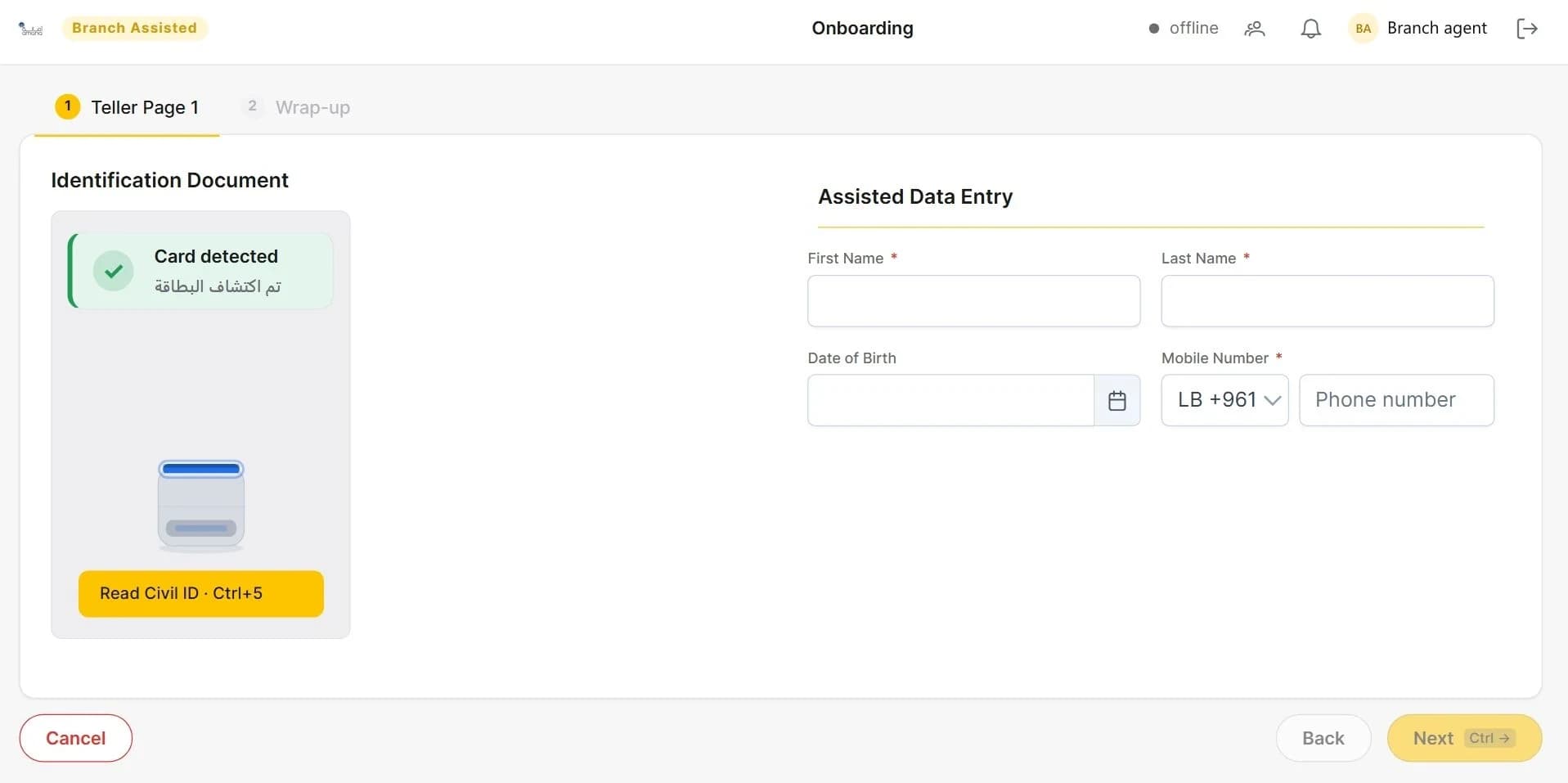
The agent opens the published flow, not a separate branch form. Each step is configured once, so the document capture at the counter follows the same settings the client meets on a phone.
Try the switch
One flow, two sides of the counter.
Switch between self-serve and assisted. The steps stay the same; who holds the device changes, and the rows compliance cares about do not.
The same published flow
- Allow Support
- On, staff can join the session
- Identification Document Capture
- Workstation, or handed to a phone by QR code
- Facial Image Acquisition
- Client, at the counter
- Assisted Data Entry
- Staff completes it; a hand edit flags the record Modified
- Screening and decisions
- Same lists, same rulesSame
- Reviewer queue and audit trail
- One queue, one trailSame
The steps do not change between the two. Who holds the device at each step does.
The usual arrangement
- Digital channel
- One vendor, the digital team
- Branch channel
- A form, a scanner, a person
- Policy
- Written once, built twice
- Audit
- Two exports, reconciled by hand
Branch Assisted Mode puts the branch and the app on one flow, bought from one place.
How it works
Assisted is an operating mode on the same flow.
Everything Branch Assisted Mode uses is already on the canvas. The assisted path and the self-serve path are the same flow, met from a different side of the counter.
The same flow, operated by staff
Branch Assisted Mode runs a published flow with a member of staff holding the device. The steps, the document rules, the screening configuration and the decision logic are the ones already defined on the canvas.
Allow Support, set on the flow
An Allow Support toggle sits at the top of the canvas in Flow Builder. It marks a flow as one a member of staff can be present in, so the flow can be finished at a counter with somebody helping.
Capture moves to the right camera
A flow started on a branch workstation can hand the capture to a phone by QR code, using the mobile controls on the identity capture step. A branch with a good document scanner and a branch with none need different answers, and both are configuration.
Assisted Data Entry, as a real step
Assisted Data Entry is one of the seventeen client-facing steps. Somebody typing on behalf of a client is a supported shape of interaction with its own step in the library.
On the roadmap
Stacking functionality with auto-layout, Multiple layouts per flow, Assisted Session. In development.
What the branch inherits
Five things that stop being two things.
Everything the branch used to maintain separately is shared.
One flow definition
The branch flow and the self-serve flow are the same object, or two flows sharing the same steps and rules. When compliance changes a threshold, it changes for everyone at once.
One reviewer queue
Interactions from a counter land in the same Application Processing Command Center as interactions from the web and from your app, with the same flags and the same decision buttons.
One screening configuration
The screening switches, the selected lists and the screening profile are properties of the flow. A client onboarded at a counter is screened exactly as a client onboarded on a phone.
One client record, and no duplicates
Client uniqueness is defined once on the client profile, using biometric face encoding and any profile elements you require to be unique. The same person cannot be onboarded at a branch on Monday and in the app on Tuesday as two different clients.
One audit trail
Logs and the Audit Hub show a branch decision and a straight-through decision in the same place, in the same format.
A branch interaction produces the same Dashboard numbers as a digital one, so you can compare them. First-try capture success at a counter against first-try capture success in the app. Average step time in a branch with a good scanner against a branch without one. Manual review rate by location. Each question needs comparable numbers from both channels, and now it has them.
With the assisted path on the same flow, the branch is a channel with its own reasons to exist: the client who wants a person, the case that needs judgement, the document that will not scan. The platform handles each of them in the same record.
The claim
The branch and the app behave like one institution.
A client who walks into a branch and a client who opens an app are the same client, under the same regulation, screened against the same lists, with the same right to be recognised as somebody you already know. Branch Assisted Mode makes that true in the system.
Control
Who can do what, and who approved it.
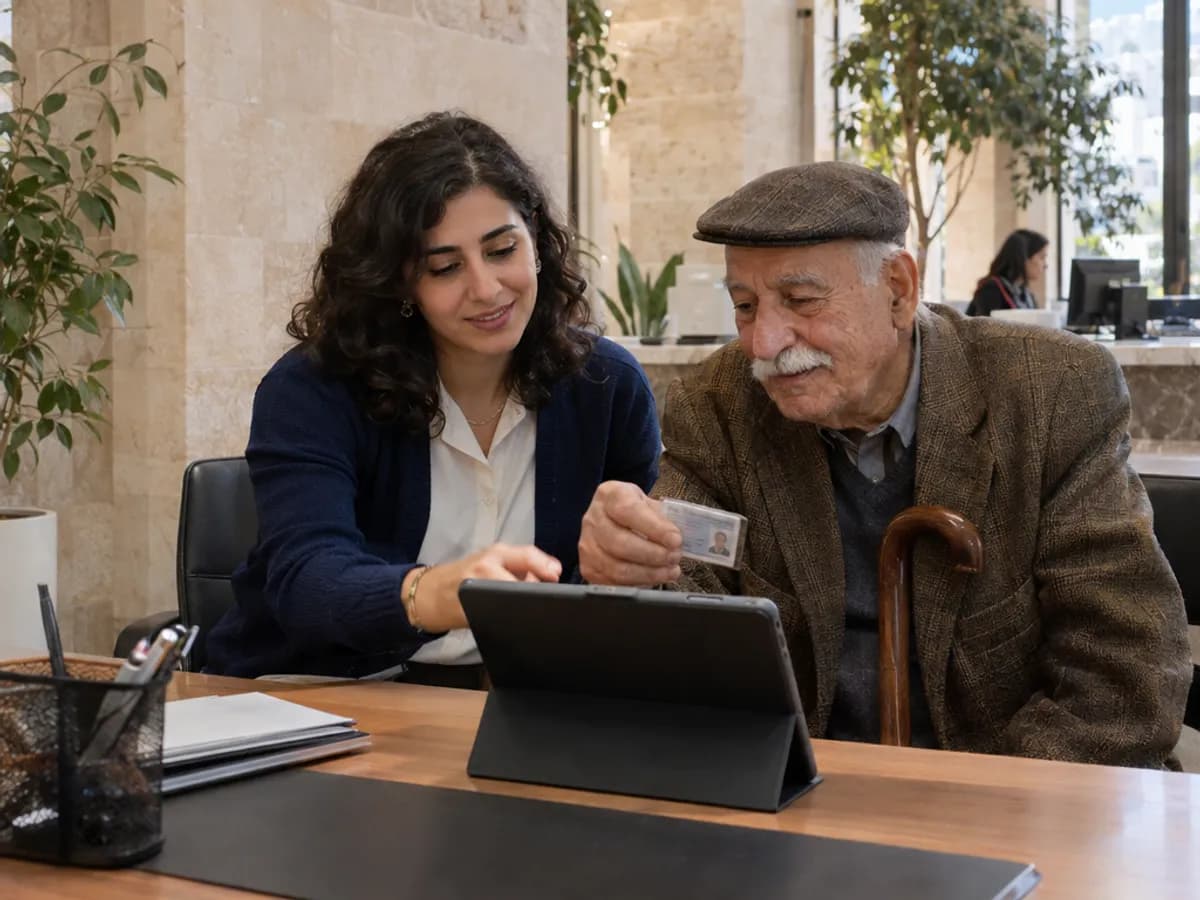
In an assisted channel a member of staff is inside the interaction. The platform governs that with the same controls it uses everywhere else.
User Management
Roles and access, managed in Settings. Who can open a flow, who can decide on a record, who can change configuration.
Session Management
Session length, defaulting to fifteen minutes, plus a full password policy: require digit, lowercase, uppercase and non-alphanumeric, required length and required unique characters.
Dual Maker/Checker Control
A platform-wide second-approver control over changes to Settings and Flows. For approval on individual applications, the pattern is built inside the flow as backend, connector, backend.
The record is flagged Modified when an extracted value is edited by hand, when a face match score is low, when an authenticity check needs a human, or when tampering is detected on a document. In an assisted channel that is the signal a compliance function wants: staff can correct a misread field, and the record shows that they did.
Questions
Branch onboarding, answered.
Branch Assisted Mode is the assisted operating mode for an Assentify flow, where a member of staff runs the same published flow a client would otherwise run alone. It uses the same steps, the same identity capture configuration, the same screening rules and the same decision logic defined in Flow Builder, so an account opened at a counter and an account opened in an app follow one definition and land in one reviewer queue.
Because two systems means two policies, and the second one is always the one that drifts. When branch onboarding is a separate product, the document rules, the screening lists and the approval thresholds diverge quietly over time, and the institution discovers it during an inspection rather than during a release. Running the branch on the same flow definition removes that whole class of problem.
Yes, and this is unusual: Flow Builder does not assume who is holding the device, so the same three block types and the same step library build a branch account opening, a back-office credit file assembly or a claims intake as easily as they build a self-serve onboarding. Most flow builders in this category are aimed only at the client funnel, which is why staff processes usually end up in a spreadsheet or a separate case tool.
De-duplication is defined on the client profile and applies across every channel. You can turn on biometric face encoding for uniqueness, and you can assign any client profile elements that must be unique across the client base. Because the rule lives on the profile rather than on the channel, a person onboarded at a counter is checked against everyone already onboarded through the app, and the other way round.
Three things: stacking functionality with auto-layout, multiple layouts per flow, and Assisted Session. Those are in development and not yet shipped. What is available today is the assisted operating mode over the standard flow, with the Allow Support toggle, the Assisted Data Entry step and the mobile capture handoff.
Through User Management, Session Management and Dual Maker/Checker Control in Settings. User Management governs who can see and do what. Session Management sets session length, which defaults to fifteen minutes, and a full password policy covering digits, case, non-alphanumeric characters, required length and unique characters. Dual Maker/Checker Control can put platform-wide changes behind a second approver, and day-to-day approval on individual applications is built in the flow itself as a backend, connector and backend pattern.
Start
Run one branch process on the platform for a month.
Pick the process your branches complain about most. Build it on the canvas, run it assisted, and compare the numbers with what the digital channel produces.