Document authenticity
A real card, or a good picture of one?
Extraction tells you what the document says. Authenticity tells you whether to believe it. Assentify reads the card as a physical object: its security features, its template, its depth, and any edit somebody laid on top of it.
- Checks on the card
- Four
- Accuracy on screen replays
- 99.2%
- Checked against printed fields
- MRZ and PDF417
Spot the overlay
Five ways to present one card.
Every attack on a document lands on one of the checks. The record names the check that fired and why, so a reviewer knows what was tried before deciding.
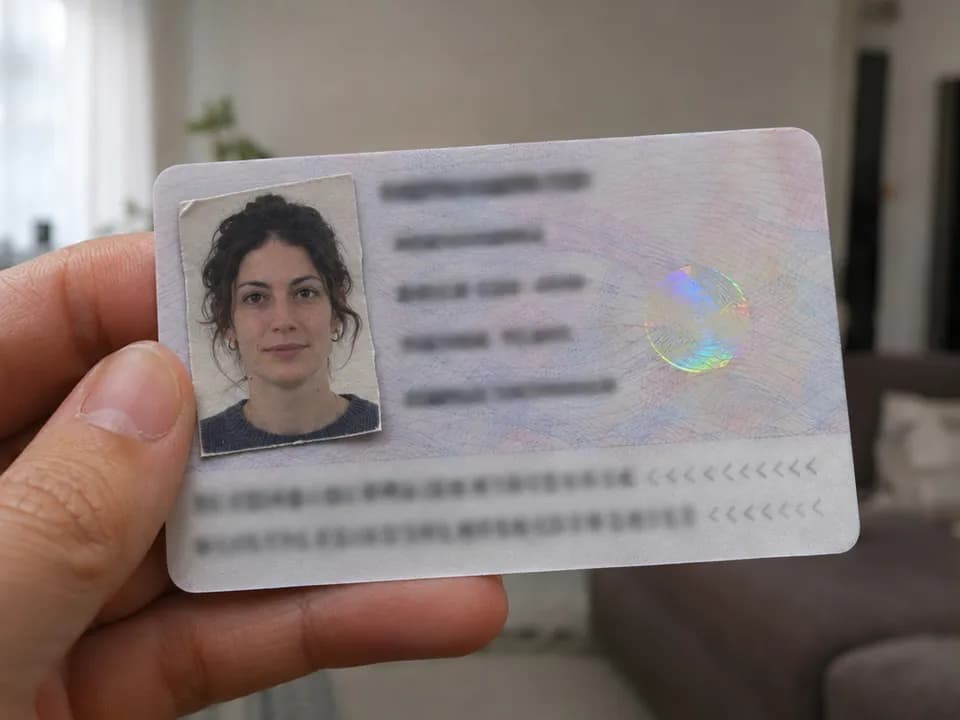
Face replaced
Another person’s photograph is laid over the portrait of a genuine card.
- Security featuresPasses
- Wrong template detectionPasses
- Document livenessPasses
- Tampering detectionFires
- Data cross checkingPasses
Tampering detected: face replace. More than five models vote on the portrait, and the row is marked for a reviewer.
In the AI Hub
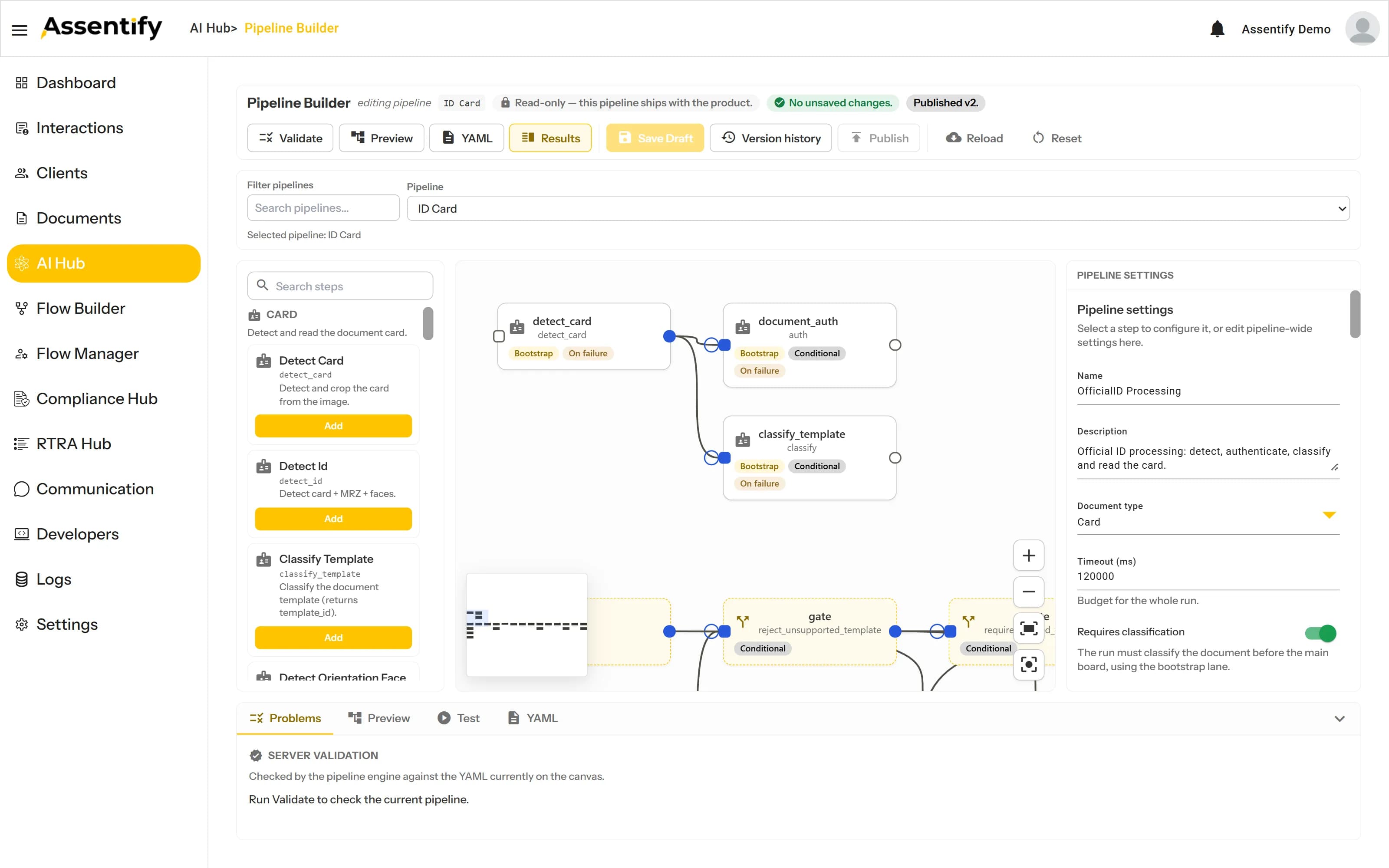
Authenticity is a step in the ID card pipeline.
The card is judged before the template is classified and before a single field is read. A fake never reaches extraction.
The ID card pipeline ships with the product and lives in the AI Hub. Each change is validated, then published as a new version, so the checks a client meets are always the checks the institution approved.
Four checks
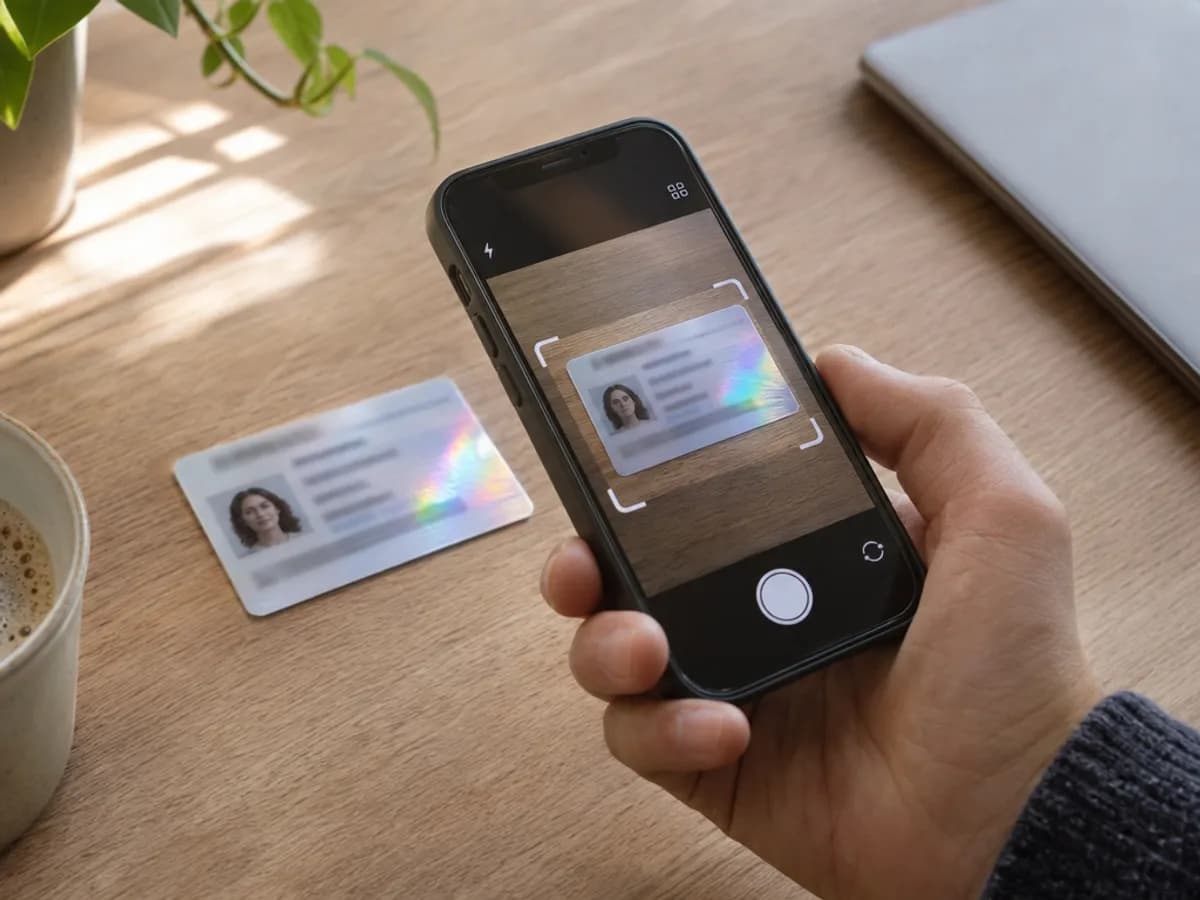
Four vision checks on one card.
Template matching tells you a document has the right shape. It cannot tell you the shape was printed this morning.
Security features, by template
Every official identity document places its security features in known positions. Computer vision inspects those locations, template by template, and separates a genuine identity card from a reproduction that got the layout approximately right.
Wrong template detection
Wrong template detection compares the presented document against the type the step accepts, and raises the mismatch instead of extracting fields from the wrong layout. Silent best-effort extraction is how bad data enters a client record.
Document liveness
Advanced liveness checks in the front end at capture, then deep learning models in the backend judge whether a physical card is in front of the camera: 99.2% accuracy on screen replays, 96.4% on colour photocopies, cropped and high end image replicas.
Tampering detection
Alteration of a genuine card is named on the record: face replace, an image laid over the photograph, and data replace, a name or number changed by typing or a sticker. For face replace, more than five deep learning models check the portrait at once and vote; data manipulation checks and field validation run alongside.
Each check is beaten by a different attack. Security features miss an altered genuine card. Tampering detection misses a card that was never real. Document liveness misses a physical forgery. Wrong template detection misses the right document type carrying wrong data. Together, the attacker has to solve all four in one capture, on camera.
In one capture
All four checks watch the same few seconds.
Document liveness needs motion, so the capture step works from video. A colour copy reflects light like paper. A card on a screen carries the screen with it. A genuine card catches light across its laminate as the hand turns it. Those differences only exist across frames.
The other three checks run on the same capture, and none asks the client to do more than hold the card up. A control that adds friction gets switched off in production.
- checks on the same few seconds
- 4
- capture, judged from video
- 1
- extra actions asked of the client
- 0
The catch, examined
Why that refusal fired.
In a live client flow, document liveness refused a presented fake in the moment it was presented.
The applicant held up a printed reproduction instead of the physical document. The document liveness model judged the object, not the layout, and stopped the capture with a plain instruction: use a real ID. No reviewer was needed, no fake data was extracted, and nothing false ever reached a record.
The same message tells a genuine client who presented a photocopy by mistake exactly how to succeed on the next attempt, so the control costs almost no conversion.
Every flow built on Assentify gets this behaviour from the same setting, in the client’s own branding, on the client’s own domain.
The record of that refusal
- Document livenessrefused
- Template matchnot reached
- Security featuresnot reached
- Tampering detectionnot reached
- Data cross checkingnot reached
The point of all of it
A perfect read of a fake card is the most dangerous output in onboarding.
It produces clean, well-formatted, entirely false data that flows straight into your core system, your screening engine and your regulatory returns, and nothing downstream will ever question it. Authenticity is the check that has to happen before extraction is worth anything at all.
Configuration
Set on the step, by the person who owns the flow.
Identification Document Capture is one step on the Flow Builder canvas, and everything the authenticity stack does is governed by its settings.
The institution decides which documents a flow accepts, where the capture happens and what is kept, and the authenticity checks follow that decision on every capture. A savings account and a high value onboarding can carry different rules without a second integration.
When a document falls outside the supported templates, the institution can still accept any card that carries a face, as a configured decision with its own risk profile. The record shows which path every capture took.
Branch Assisted Mode
At the counter, the same capability.
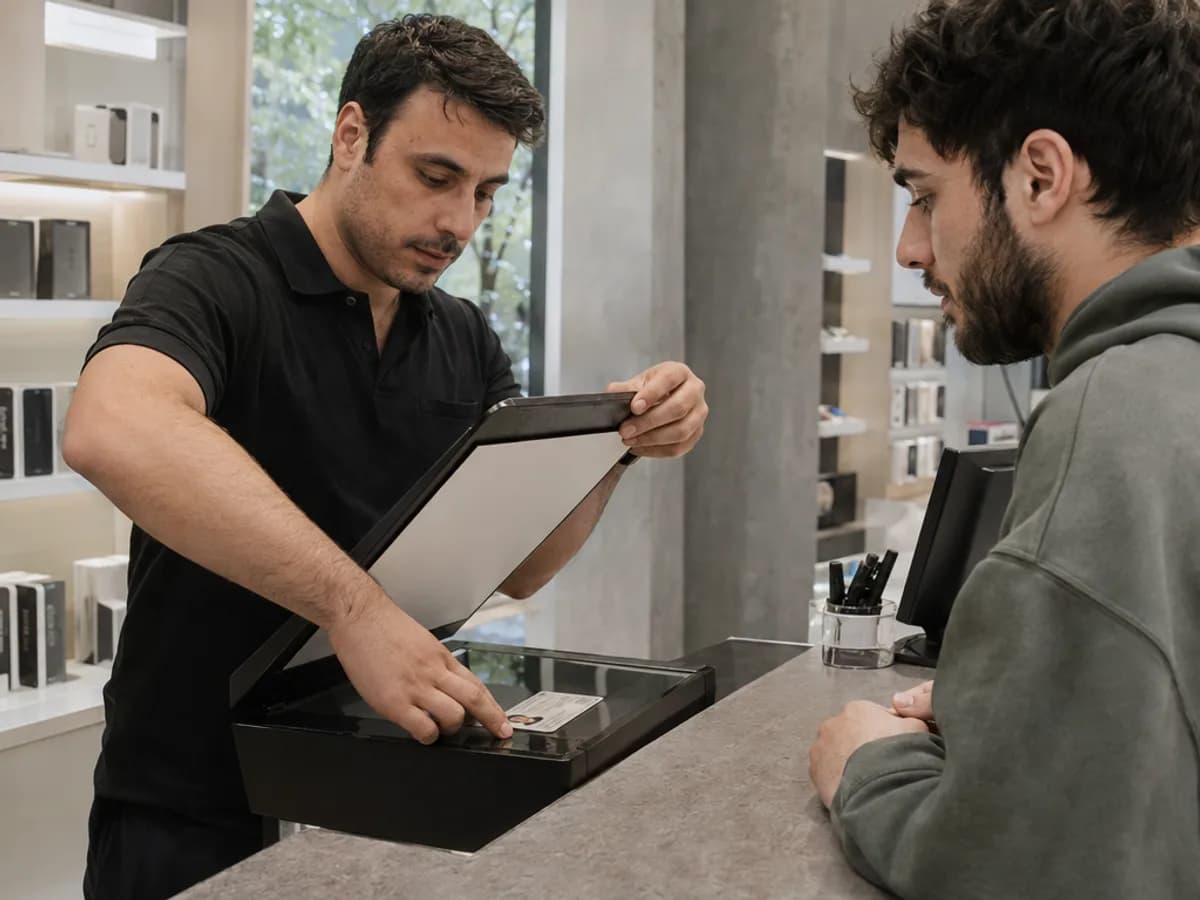
A card presented at a counter goes through the same authenticity checks as a card held up to a phone at home.
- The same published flow, with a member of staff holding the device
- Allow Support, set on the flow in Flow Builder
- The same reviewer queue, flags and decision buttons
- One client record and one audit trail across channels
Questions
Document authenticity, answered
Assentify runs four checks on the document itself. Security feature inspection reads the known coordinates for that document template. Wrong template detection confirms the document is the type expected. Document liveness confirms a physical card is present, not a copy or a screen replay. Tampering detection catches face replace and data replace attacks on a genuine card. The checks run on the capture in the flow, and their outcome lands on the interaction record where a reviewer can see it.
Document liveness asks whether a real physical card is present in front of the camera, while authenticity asks whether that card is a genuine official document that has not been altered. They fail in different ways and they catch different attacks. A photocopy of a real card passes an authenticity check on layout while failing liveness. A well-printed forgery held physically in the hand passes liveness while failing the security feature check. Assentify runs both.
Face replace is detected by treating the card as a physical object rather than a set of fields, with more than five deep learning models checking the portrait at the same time and voting on the verdict, together with depth models. An image laid over the portrait sits at a different depth from the card surface, has edges that are too regular, and carries lighting and texture that do not agree with the laminate around it. When the models see that pattern, the interaction is flagged as Modified with tampering detected, and it goes to a human reviewer.
The interaction is flagged for manual review rather than automatically declined. The row carries the yellow Modified marker in the Application Processing Command Center, the expanded record shows the captured document image and the reason for the flag, and the reviewer decides using the decision buttons configured in the Backend Block.
Template-based security feature checks and wrong template detection apply to the regional identity documents Assentify supports directly, which includes every Lebanese identity document as well as identity documents by market for Saudi Arabia, the United Arab Emirates, Kuwait, France, Pakistan and Gambia, plus passports read through the machine readable zone to ICAO 9303. Document liveness and tampering detection are not template-specific, so they apply to any card presented to the camera.
Yes, the capture step supports mobile capture handoff, where a client who started on a desktop scans a QR code and finishes the capture on their phone, and it also supports mobile-only scanning where that is the policy. The authenticity checks are the same in both cases, because they run on the captured video and image rather than on the device. Device name and user agent are recorded on the interaction for the audit trail.
Start
Photocopy a card and present it.
Then hold a sticker over a name and try again. The record will tell you what the platform saw, in the words it uses with your reviewers every day.