Skip to content

Blog · Integration

Connect core banking to onboarding without waiting for a release

In most onboarding projects the verification is the easy part and the integration is the project.

published
19 May 2026
written by
Assentify Solution Engineering
Engagement BlockWHAT THE CLIENT MEETSConnector BlockYOUR SYSTEMSBackend BlockDECIDESData sourceAPI OR SOAP

The briefing

What it covers

In most onboarding projects the verification is the easy part and the integration is the project. The core banking system, the card issuer, the civil registry lookup and the CRM each arrive with their own protocol, their own auth and their own change window, and the release calendar sets the launch date rather than the product. The data sources engine exists to take that off the critical path: add a source from the admin interface, choose API or SOAP, choose API key or basic authentication, define pull, push or file endpoints with headers, body and optional XSLT, test it in place, save it. This piece walks through a real integration, end to end.
admin.assentify.com/flow-builder
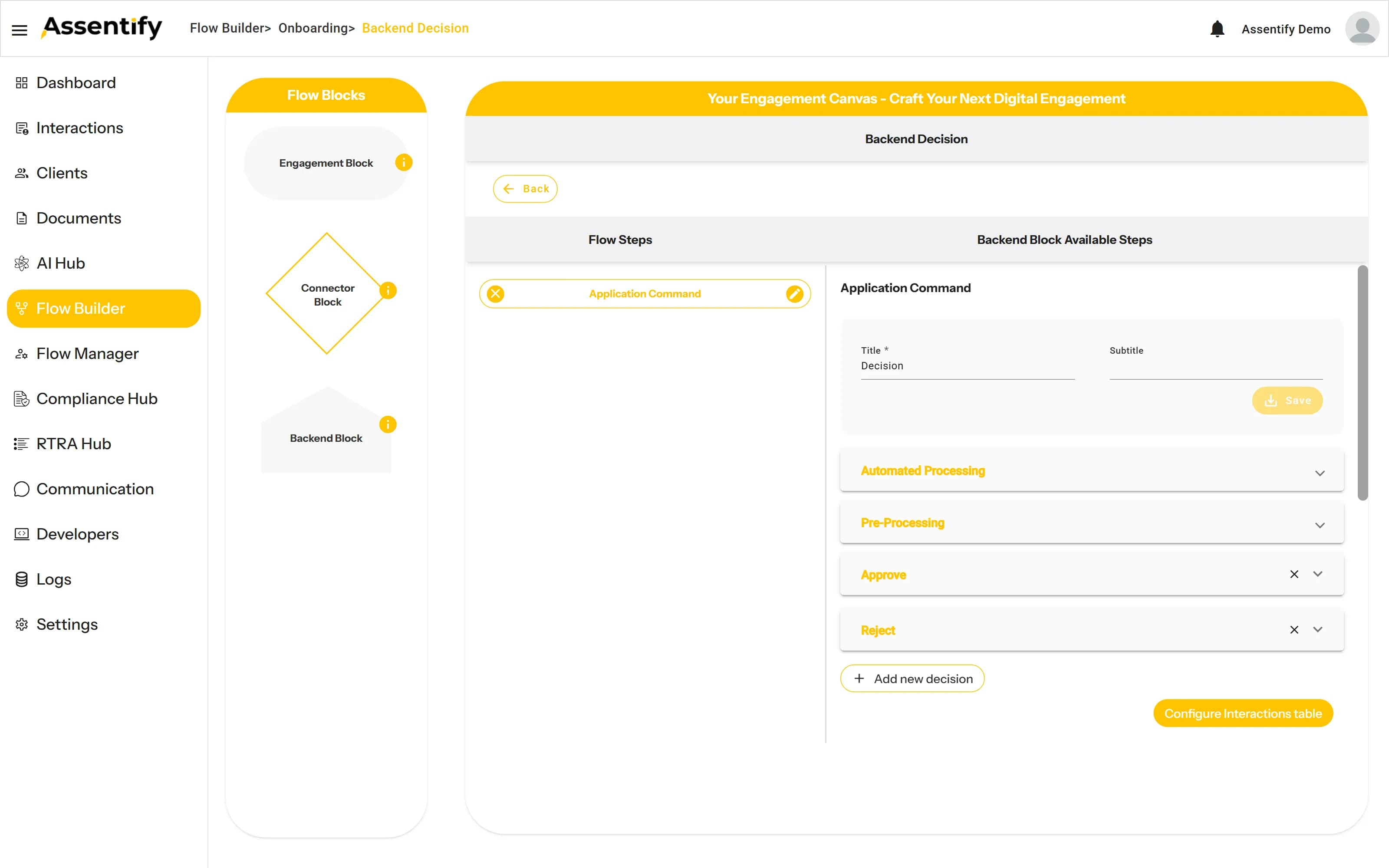
The Backend Decision block of the Onboarding flow open in Flow Builder: an Application Command step with Automated Processing and Pre-Processing stages, Approve and Reject decisions, and Add new decision.

On the platform

The Backend Block is where the data meets the decision.

Processing stages and decisions live in the Backend Block. Approve and Decline exist by default, and you can add your own decisions.

  • The Backend Block on the canvas
  • Processing stages
  • Default decisions, and your own
See the data sources engine